★★★★★
Anonymous· 9 Nov 2026
AuronDM is a private web browser with a built-in ad blocker and a fast download manager. Downloads pause, resume and keep going in the background, and saved videos play offline.
Features
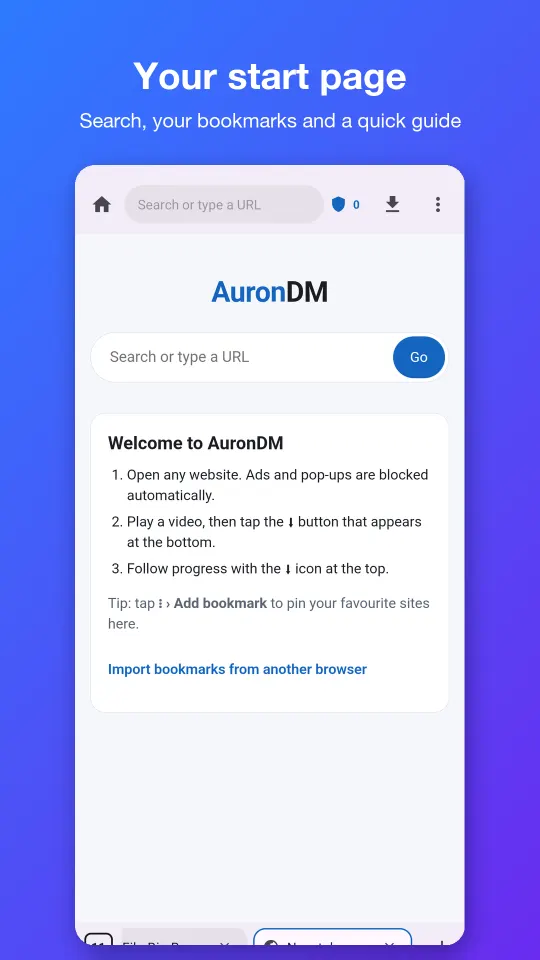
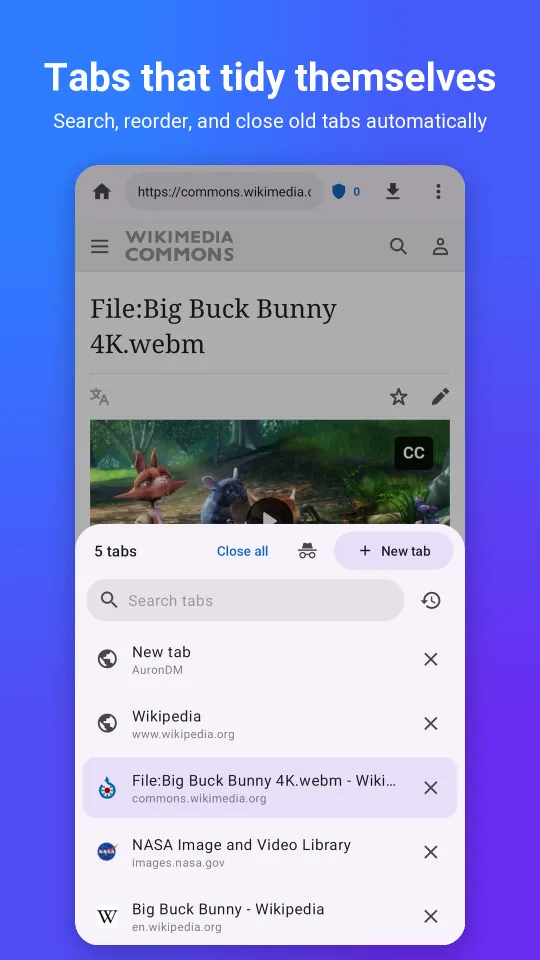
No need to copy links between apps. Browse, find the file and save it, in the same place.
Blocks ads, trackers, pop-ups and ad redirects, with a block list that updates itself every week. Allow ads on just the sites that need them.
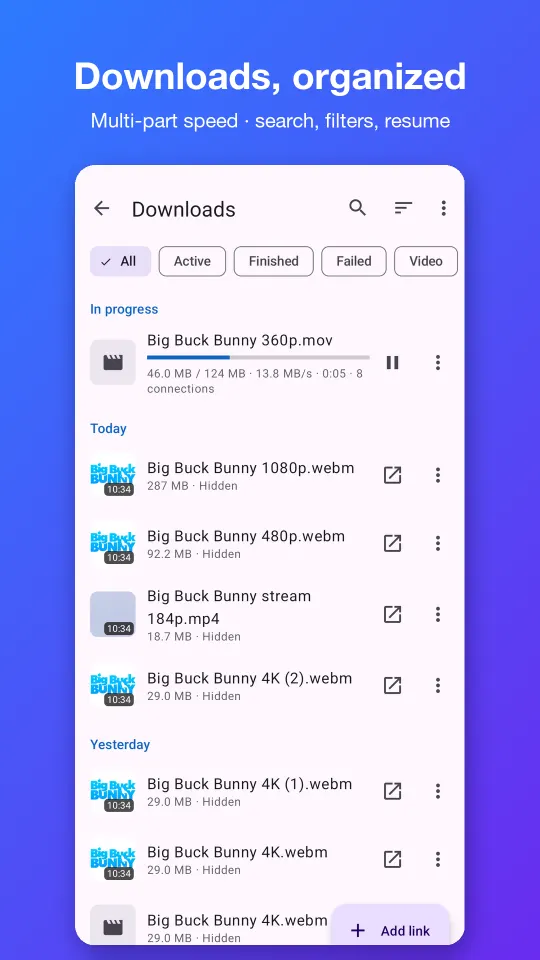
Each file is split across up to 16 connections for speed. Pause and resume any time, and downloads keep going in the background.
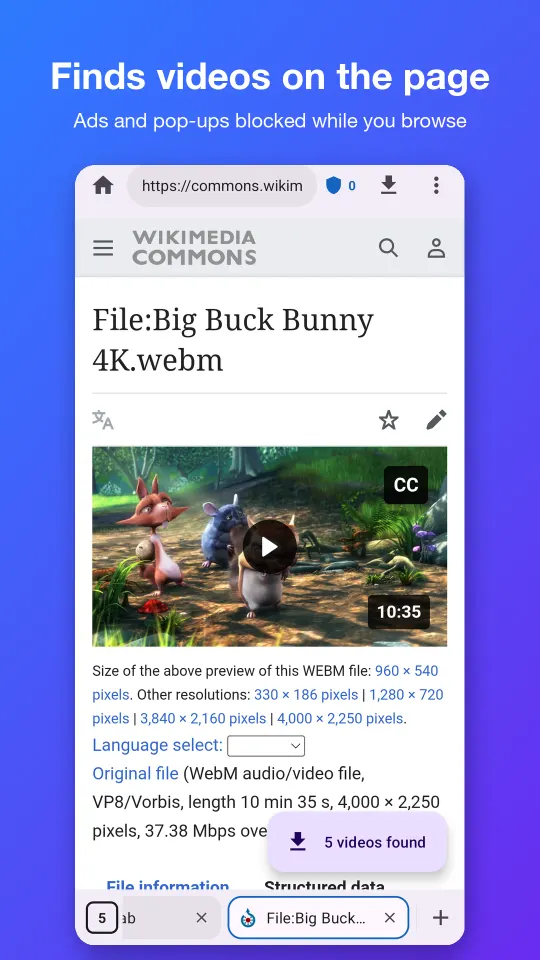
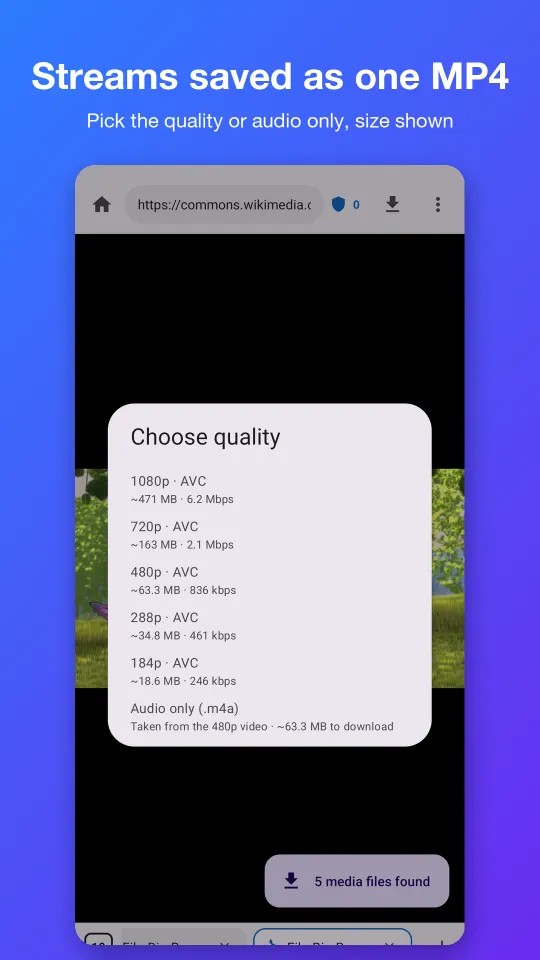
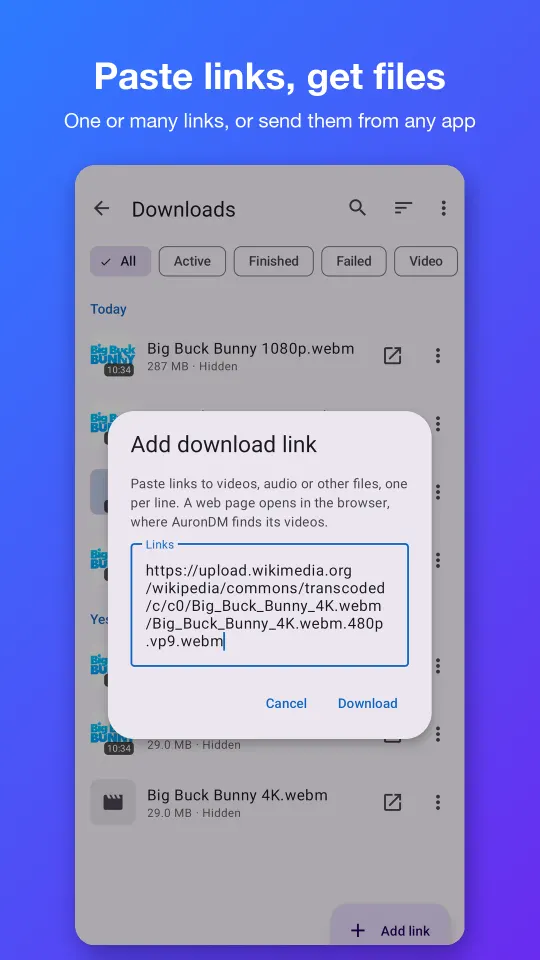
AuronDM finds the media on the page you're viewing, named after the page. Pick a streaming (HLS) quality and save it as one MP4, or keep just the audio.
After a lost connection, downloads pick up where they stopped. Link expired? Refresh it and keep what's already downloaded.
Watch saved files offline with swipe gestures, playback speed, and resume where you left off.
No account, no analytics, no tracking. Private tabs, and private downloads kept out of your gallery behind your fingerprint or screen lock.
Take a look
Watch the short video, or swipe to see more.
Free and Pro
The browser, ad blocker and download manager are free, with one download at a time and the rest queued. Pro is optional.
No account, no trial clock
Monthly subscription through Google Play
The app shows Pro's price before you buy. It renews automatically until you cancel it in Play Store › Subscriptions.
AuronDM for Mac
Reach the page you need in fewer steps, keep many tabs open, and stay on your work without ads and pop-ups pulling you away.
The Mac app is its own browser, built for work
For Apple Silicon (M1 or later) and Intel Macs with macOS 14 or newer. One download works on both.
DownloadAuronDM for Macxattr -dr com.apple.quarantine /Applications/AuronDM.appA test build, so some things may not work yet. The Intel version hasn't been tried on a real Intel Mac yet. More about the Mac build, including moving from Arc.
No analytics: the app sends us nothing about you. The download button counts one download, with no ID and no IP address. See the privacy policy.
FAQ
Yes. The browser, ad blocker, media detection and download manager are free, with one download at a time and the rest queued. AuronDM Pro is an optional monthly subscription that adds unlimited simultaneous downloads, batch downloads, schedules, a proxy and more.
Yes. Downloads keep going when you leave the app, with a progress notification. After a lost connection they resume where they stopped, by themselves or with one tap.
AuronDM finds the video and audio on the page you're viewing. Streaming (HLS) videos can be saved in the quality you pick, usually as a single MP4 file, with subtitles when the stream has them. DRM-protected and live streams can't be saved.
Yes. Share a link to AuronDM, or select text and choose “Download with AuronDM”. You can also paste up to 30 links at once in Add link.
In your phone's Download/AuronDM folder by default. You can also save to another folder or an SD card.
No. There's no account, no analytics and no tracking. Your history, bookmarks and downloads stay on your phone. See the privacy policy.
Android 10 and later.
Guides
Step-by-step help for the jobs people install AuronDM for.
Reviews
Pick your stars. The rest is up to you.
Thank you. Your review is on this page now. Send another
That review didn't send. Go back to keep what you typed, or try again in a minute. If it keeps failing, email support@auronsan555.win.
★★★★★
Anonymous· 9 Nov 2026
A cleaner web and downloads that finish. Install it from Google Play in seconds.